
Printing from digital files: what to send
Good prints start with good files. This guide explains which digital file formats we accept, how to set up resolution, bleed and colour, and what we check before printing.
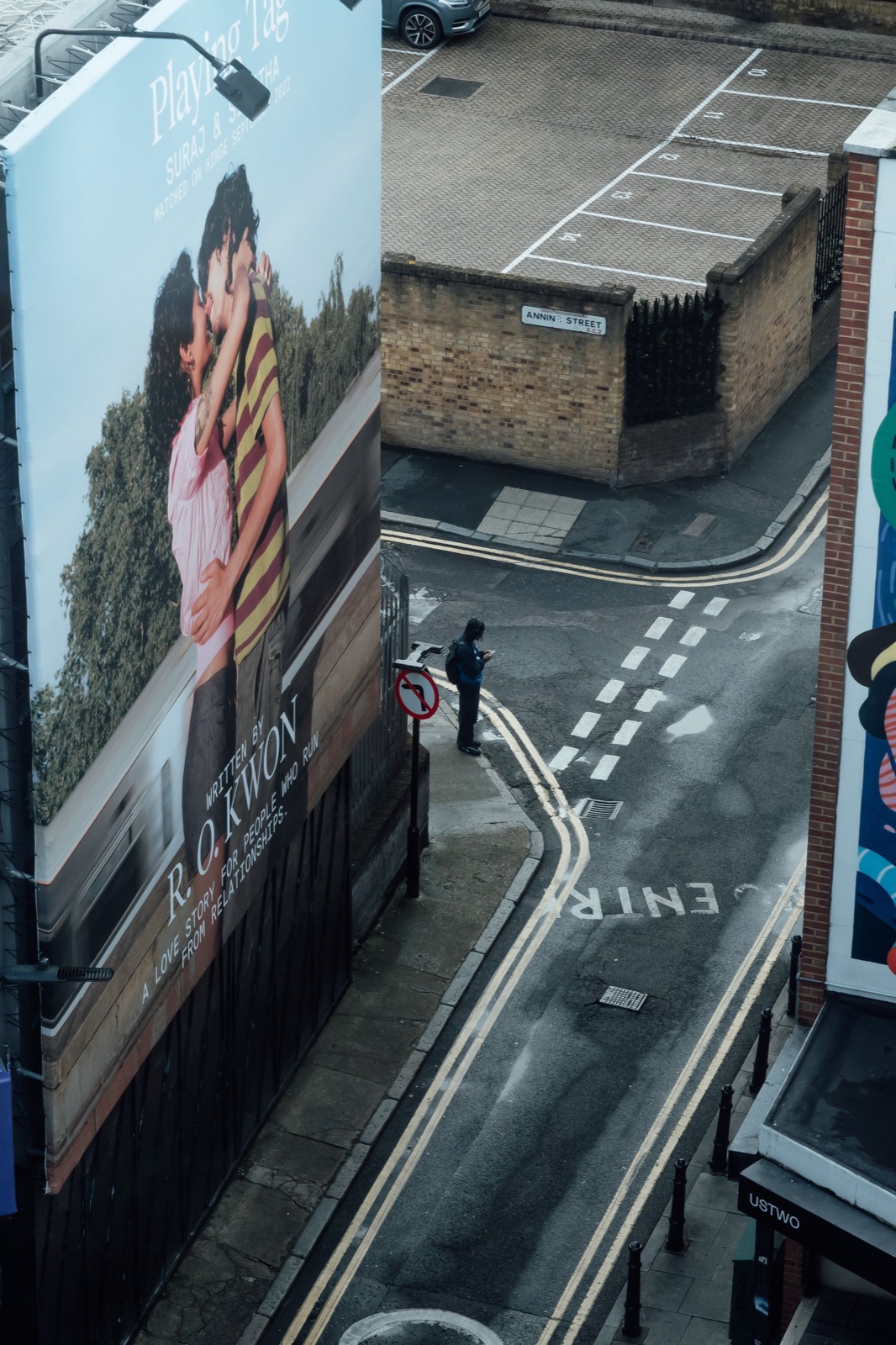
Formats we work with
- PDF is the preferred format for most print. It keeps text and vector artwork sharp, and embeds fonts and images in one file.
- TIFF is ideal for photographs and art reproductions, as it does not lose quality through compression.
- High-quality JPEG is fine for photos, provided it has not been heavily compressed or resaved many times.
- AI and EPS files suit logos and vector artwork.
If you have files in other formats, such as from presentation or office software, send them and we will advise whether they can be used or need converting.
Resolution
Photographs are made of pixels, so they can only be enlarged so far before looking soft. The required resolution depends on how close people will stand. A poster viewed at arm's length needs more detail than a banner on a building. Text and logos should be vector wherever possible, so they stay crisp at any size. Avoid images saved from websites and social media, which are usually far too small.
Bleed and safe areas
Bleed is extra image beyond the trim edge, typically 3mm, so there is no white line after cutting. Keep important text and logos inside a safe margin. For banners, leave room for eyelets, hems or pole pockets around the edges. For pop-up displays and exhibition panels, use the template for your system, which shows exactly where folds and returns fall.
Colour
Set up in CMYK if you can, or send RGB with an embedded profile and we will convert it. Supply Pantone or CMYK references for brand colours. Large areas of rich black should be set up correctly to avoid looking grey; ask us if you are unsure.
What we check
Every file is checked before printing for size, resolution, bleed, colour mode and missing fonts. If something is wrong, we tell you and suggest a fix, or our designers can correct it. You can also run files through our proof checker before you upload. When you are ready, send files through the upload tool, and see our printing from digital files page for more.
Questions
What is the best file format for printing?
A PDF with fonts embedded is best for most designs, as it keeps text and vector artwork sharp. For photographs and art reproductions, an uncompressed TIFF gives the highest quality.
Can I send a Word or PowerPoint file?
You can, but these programs are not designed for print, and layouts can shift. Exporting to PDF first is better. If you send the original, we will check it and advise.
Tell us what you need printed
Give us the size, the material and the date you need it. We will check your files and send a quote.
0203 026 0636