
Digital camera prints
Good digital camera prints start with a well prepared file. A few simple choices about format, colour and cropping make the difference between a print that matches your screen and one that disappoints.
Which file format to send
- JPEG is fine for most prints, provided it is saved at high quality and has not been resized or compressed by a messaging app or social network.
- TIFF keeps every detail and is best if you have edited the photo heavily.
- RAW files need processing first. Export them as TIFF or JPEG at full size so the result reflects your own edits.
Colour settings
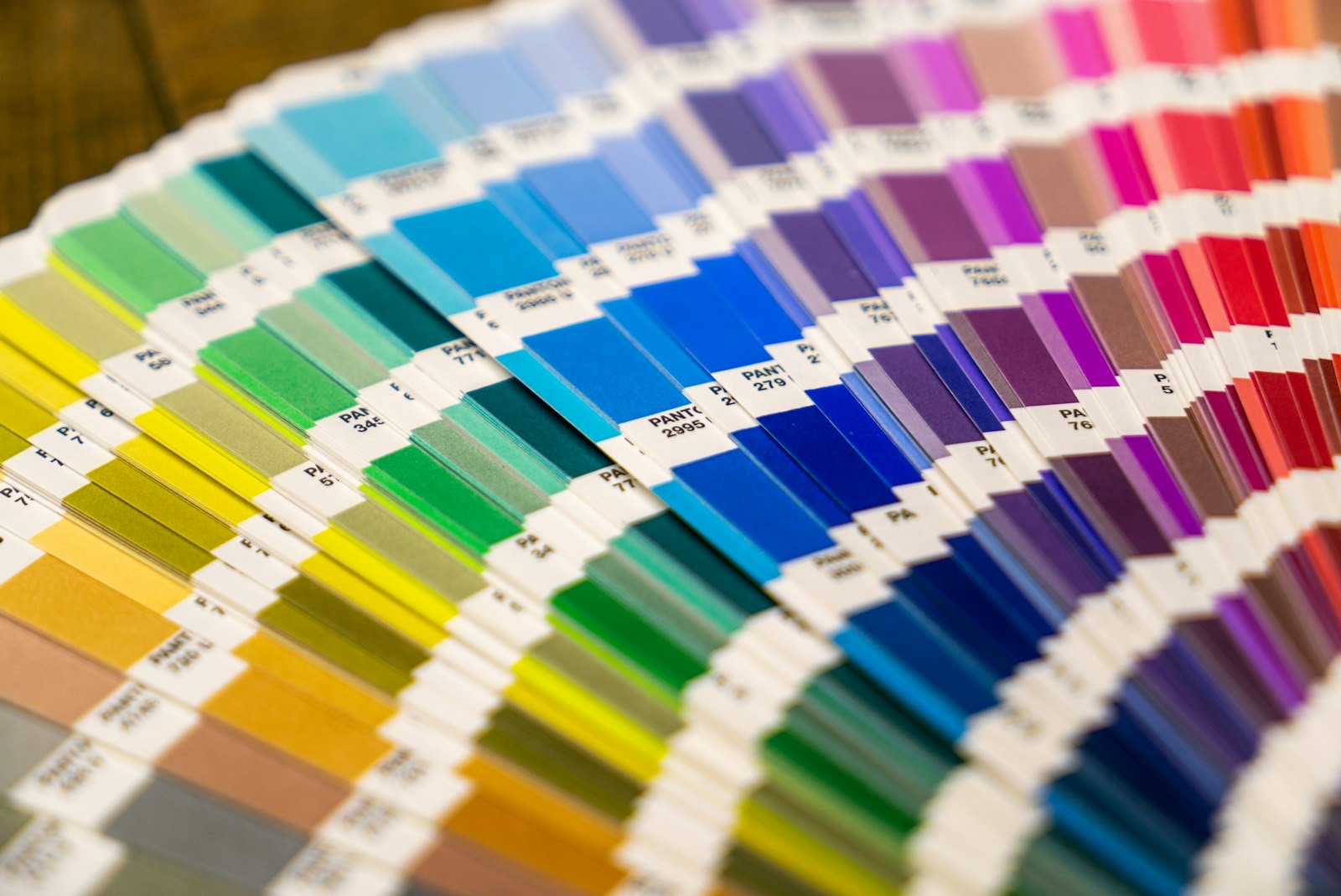
Cameras and editing software usually save in the sRGB or Adobe RGB colour space. Either works; just keep the colour profile embedded in the file so we can read it correctly. Screens are often set very bright, which can make prints look darker than you expect. If colour is critical, ask for a test strip or a small proof before the final size.
Cropping to the print shape
Most cameras shoot in a 3:2 shape, while many standard print sizes, including A sizes, have a slightly different proportion. That means either a little of the picture is cropped, or there is a white border. Tell us which you prefer, or crop the file yourself to the exact proportions you want. If you do not say, we will contact you rather than guess.
Paper and finish
Gloss gives deep colour and strong contrast. Satin is a popular middle ground with less glare. Matt suits black and white work and prints that will sit under glass. We can also print camera photos on canvas, or mount them on board for display. Our page on photographic prints explains the papers in more detail.
Sending your files
Use the upload page for your photos and include a note of size, finish and quantity for each one. If you want to see how big your file can go, our guide to digital camera print enlargement covers megapixels and viewing distance. For larger or mixed orders, request a quote and we will price the whole job.
A quick check of your files now saves reprints later.
Questions
Why do my prints look darker than my screen?
Screens give off light and are often set very bright, while a print reflects light. Turning screen brightness down a little while editing helps, and we can make a small test print if colour matters.
Can you print photos taken on a phone?
Yes. Recent phones produce files that print well at modest sizes and often beyond. Send the original from the phone's photo library rather than a copy shared through a messaging app.
Tell us what you need printed
Give us the size, the material and the date you need it. We will check your files and send a quote.
0203 026 0636