
Resource: artwork checklist
This page once listed rejected link requests. It now holds something more useful: a checklist to run through before you send artwork for large format printing.
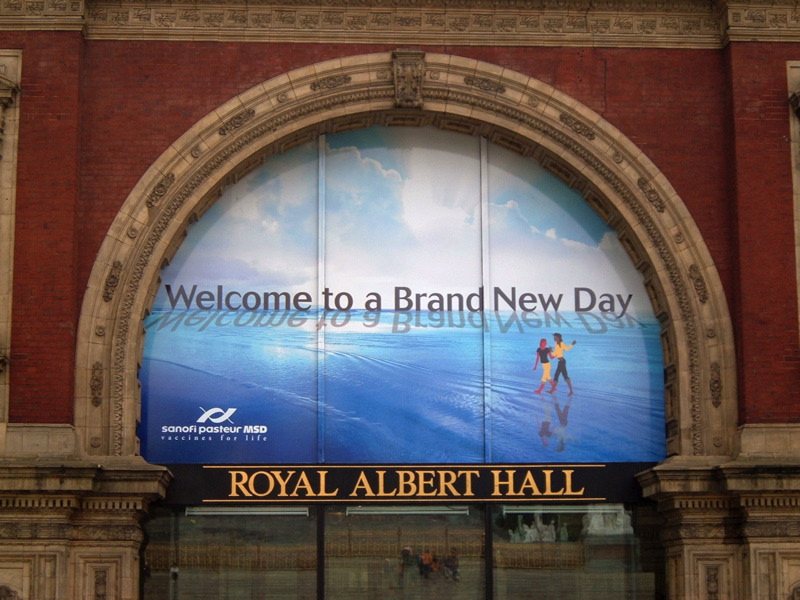
Size and shape
- Is the document set up at the final size, or to an exact scale such as 1:10?
- Does the shape match the product, for example a roller banner or pop-up panel?
- Have you allowed bleed where colour or images run to the edge?
- Is all important text and logos inside the safe area, away from edges, hems and eyelets?
Images and resolution
- Are photos large enough for the final size and viewing distance?
- Have you used original image files rather than copies taken from websites or social media?
- Do you have permission to use every image in the design?
Our proof checker can flag low resolution and other basic issues.
Text and fonts
- Are fonts embedded or converted to outlines?
- Is the text big enough to read from where people will stand?
- Have dates, phone numbers, web addresses and spellings been checked by a second person?
Colour
- Is the file in CMYK, or RGB with an embedded profile?
- Are brand colours specified, and do you have a printed reference if they are critical?
- For backlit graphics, are colours strong enough to look rich when lit?
Sending and approving
Export a print-quality PDF, name the file clearly with the product and size, and send it through the upload page. Check the proof we send carefully before approving, as it is the last chance to spot a mistake. If any of this is unfamiliar, our designers can prepare or fix files for you; see graphic design.
As a final check before you press send, open the exported PDF itself rather than the design file, and look at it at full size. Zoom in on photos, logos and small text. Problems that are invisible at screen size, such as soft images, missing fonts or a stray guide line, are much easier to catch this way, and fixing them now costs nothing compared with a reprint.
Keep a copy of exactly what you sent.
Questions
What file format is best for print?
A print-quality PDF is usually best, with fonts embedded and images at full resolution. High quality TIFF or JPEG files also work for image-only designs such as photo prints.
What if my artwork fails some of these checks?
Send it anyway with a note. We will tell you what needs attention, and our designers can make corrections or rebuild the file if you prefer us to handle it.
Tell us what you need printed
Give us the size, the material and the date you need it. We will check your files and send a quote.
0203 026 0636